Digital · 15 min
Photoshop for beginners, part one
Layers, the move tool, and one adjustment — enough to stop fighting the program and start using it.
- 01
Never paint on the background
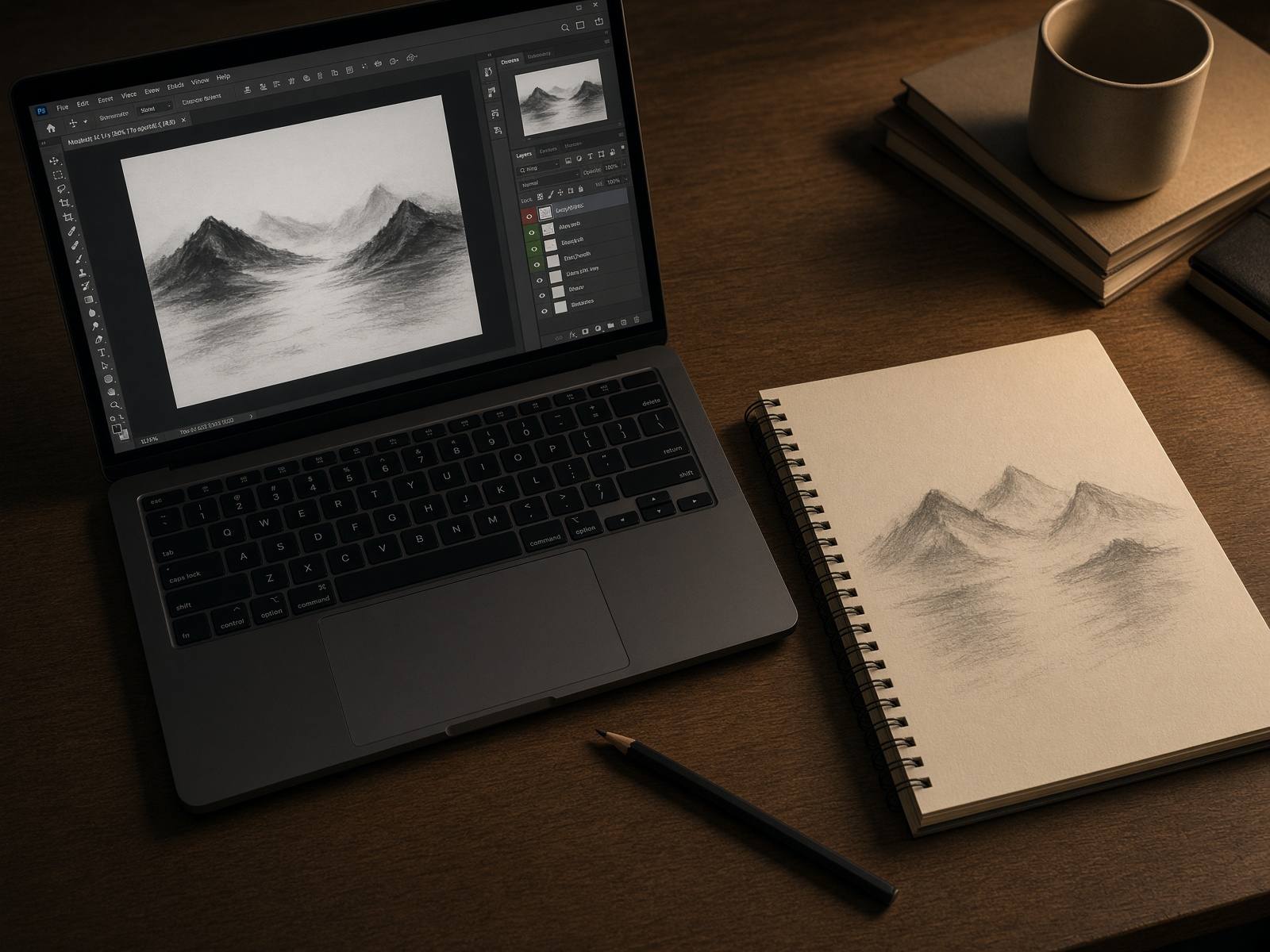
Duplicate the layer or make a new one before you touch anything. The original stays underneath so a bad move is a deleted layer, not a ruined file.
- 02
Name the three tools you actually need
Move (V) repositions a layer. Brush (B) paints on the active layer. The layer mask hides pixels without deleting them. Everything else can wait.
- 03
One adjustment layer, not ten filters
Add a Curves or Levels adjustment above the photo. Clip it if you only want it on one layer. If the picture looks worse, lower the opacity of the adjustment instead of stacking another one.
- 04
Save a working file and an export
Keep the PSD with the layers. Export a JPEG or PNG only when you need to show the picture. The export is a copy. The layers are the work.